 Flow
 Writer
 Lumens
 Director
 Brands
 Fonts
 Wall
 Upscaler
 Hub
Make with Flobi Made in Artwork
A full product shoot from one packshot.
Cut the product out once in Artwork, then change the background for every scene and channel. The bottle, its label and its colour stay exactly as shot.
- Scene · Travertine
- No. 3 bottle
- Background
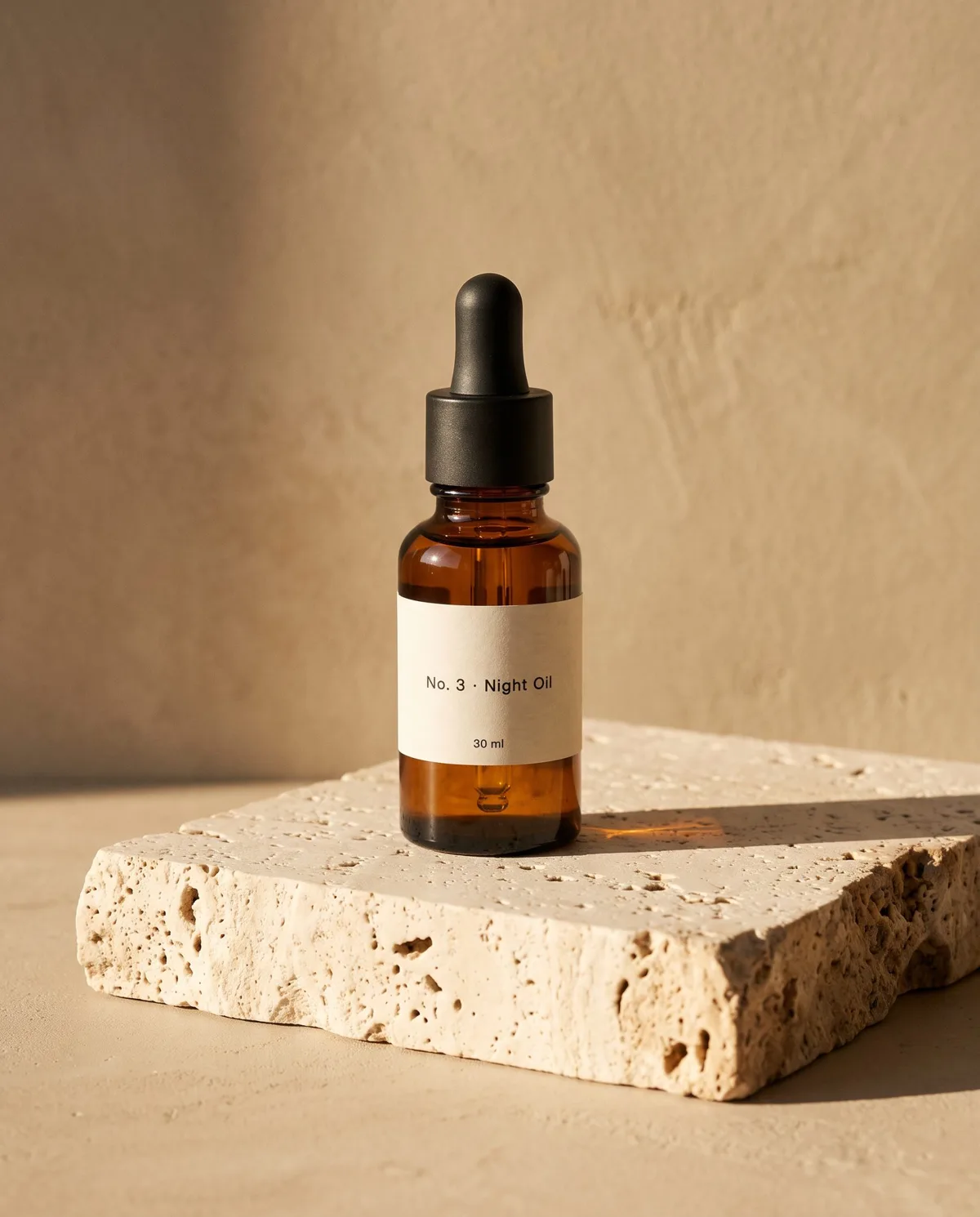
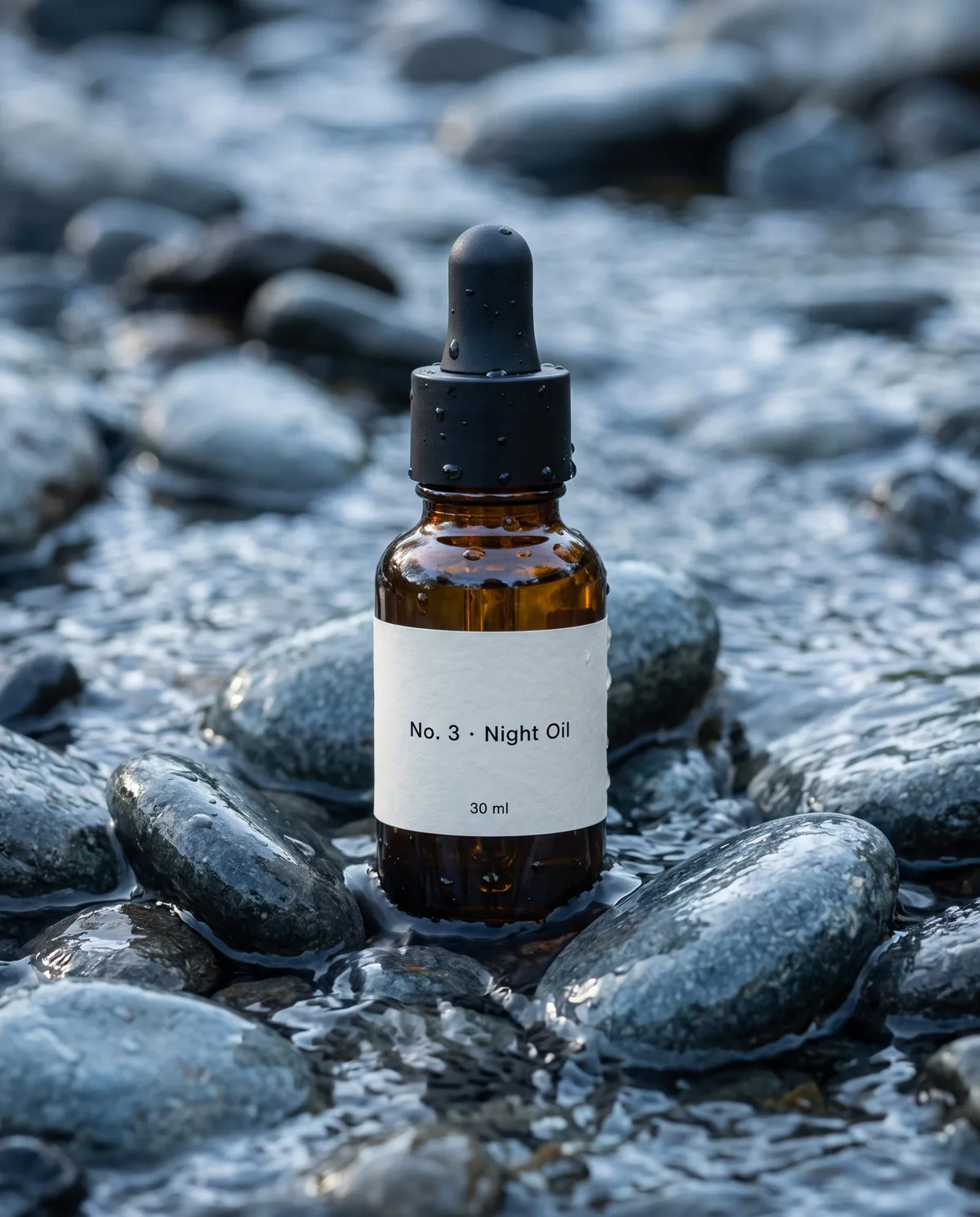
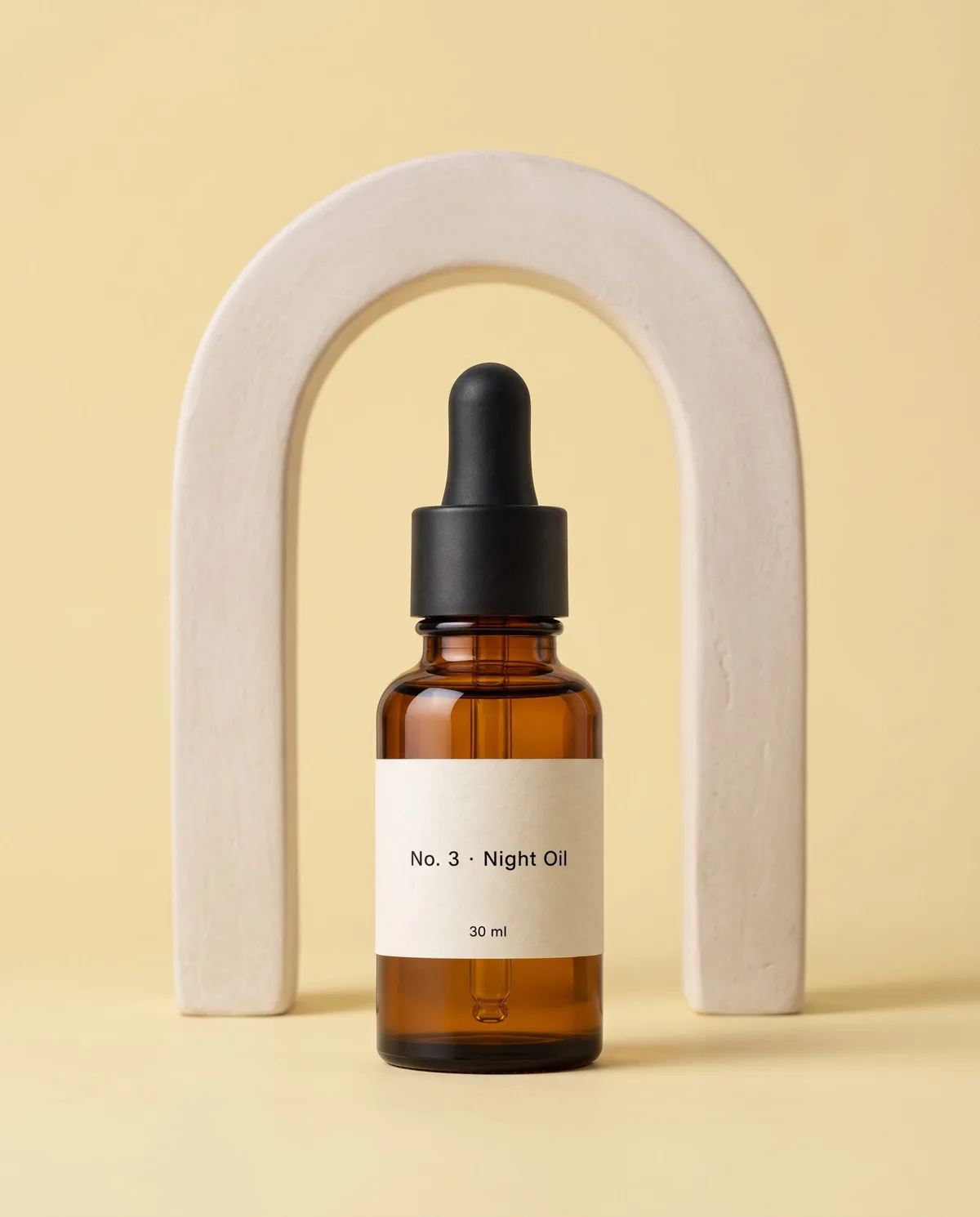 1080 × 1350
Cut the product out once.
Click the bottle and pick Cut out subject. It lands on its own layer with clean edges, so every scene after starts from the same shot.
- Glass, dropper and label kept whole
- The original stays in the file
- Ready for every scene that follows
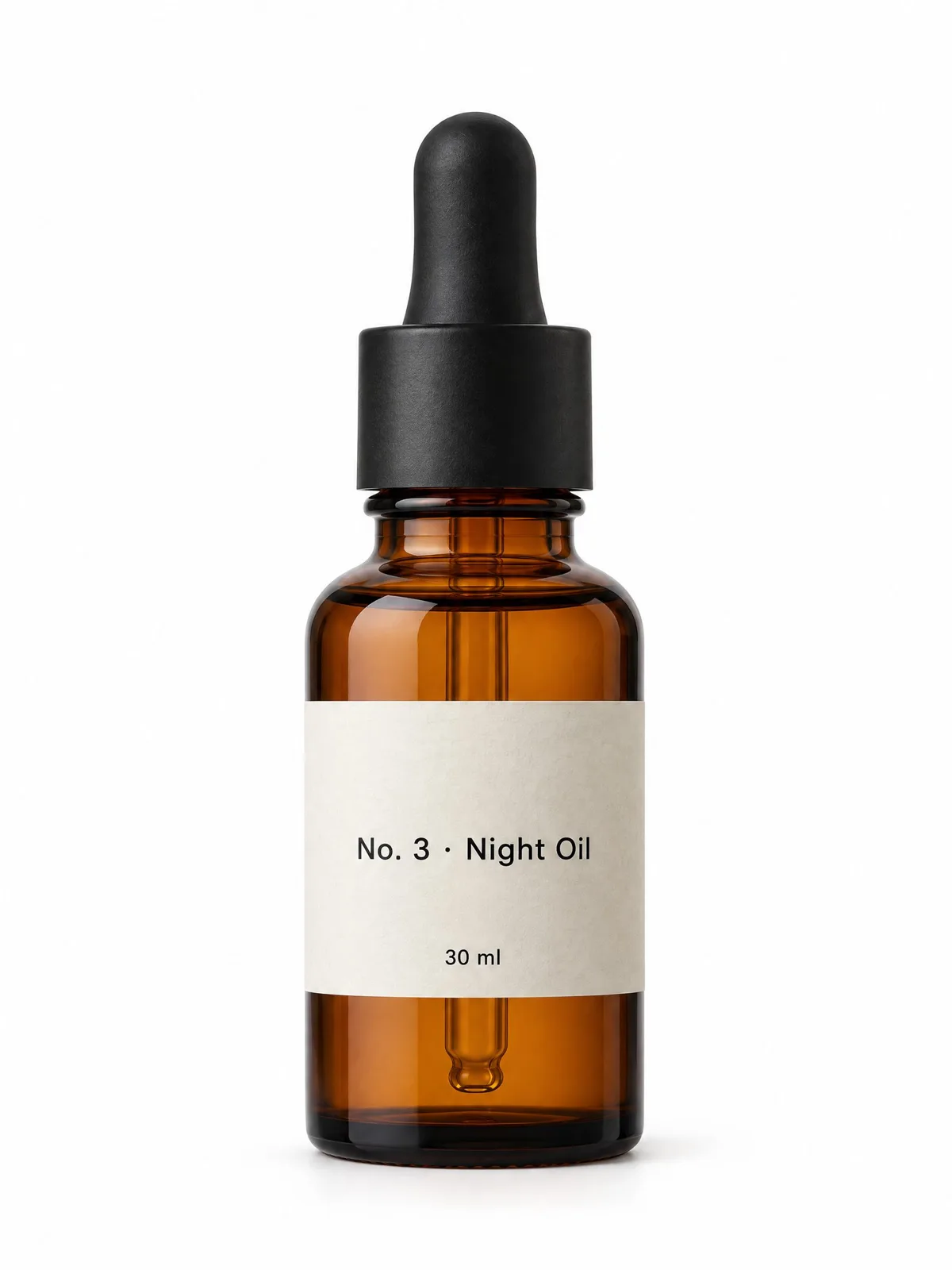
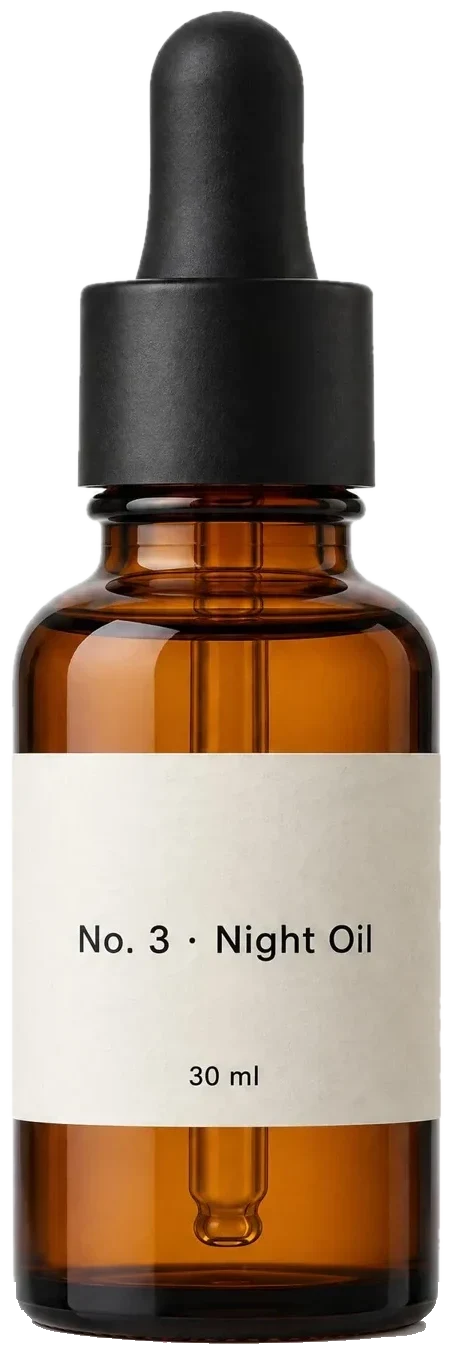
Packshot · 1600 × 2133
Every channel size, from the same shot.
Size variants adds an artboard for each format and keeps the bottle in frame. Adjust one crop by hand if you need to, the rest stay as they are.
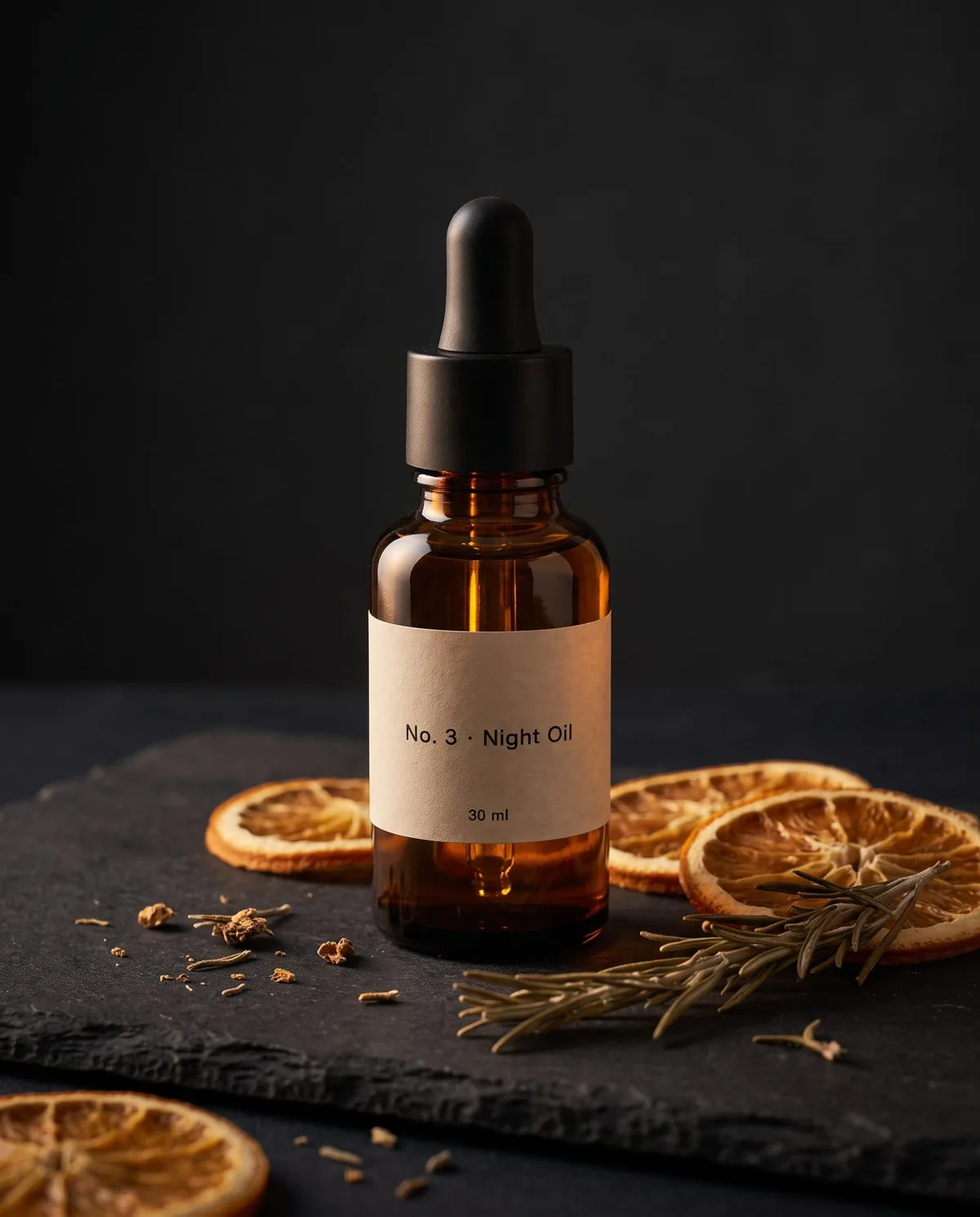
Instagram and Facebook feed
Shop grid and marketplaces
Stories and Reels covers
The finals go straight to the rest of the studio.

Saved to Drive
Every scene and size is kept with its versions, so the next campaign starts from this shoot.
See Drive
Sent with Handoff
Send the finals to the client as one link and see when they are downloaded.
See Handoff
Filed in Projects
Attach the shots to the deliverable, so the team can see the shoot is done.
See Projects
Run your next product shoot in Flobi.
Beta members get their first month of Pro free. No card needed. New people get in every week.